 Stilos
Private notes
Private notes, kept on your device
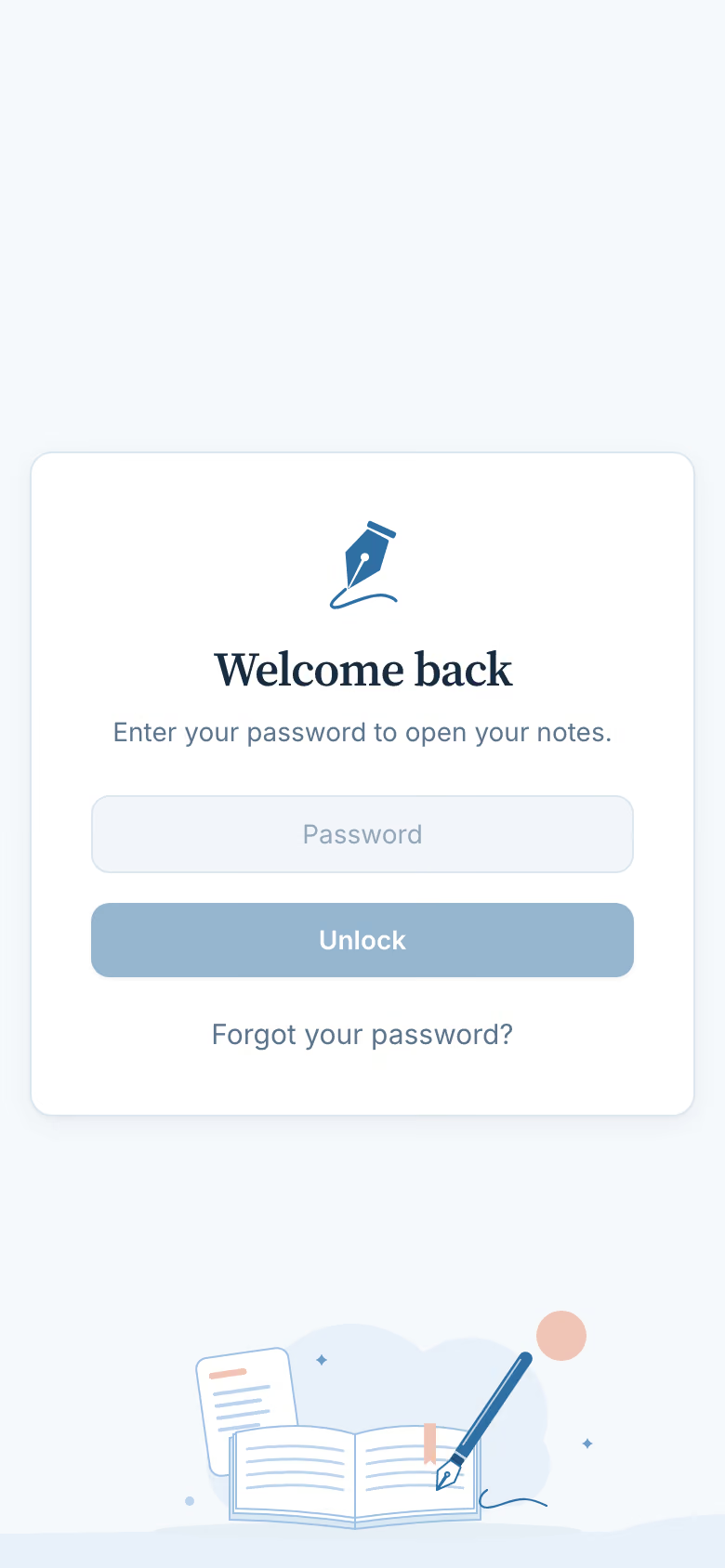
Stilos has no account and no sign-up. Your notes are stored on your own phone or computer, they work offline, and nothing you write is sent to us.
A notes app that asks nothing about you
Most notes apps begin with a sign-up form. Stilos begins with a blank note. The first time you open it, you agree to the terms and choose whether to set a password. It never asks for your name, your email address or your phone number, because there is no account to attach them to.
- No account, no sign-up. We never ask for your name, email or phone number.
- Works offline. Everything you need is already on the device.
- Your backup, your file. Save a backup whenever you like and keep it wherever you choose.
- No ads and no tracking. The app does not report what you write, search for or open.
How it works
Three steps, and only the first is required
- Open Stilos and start writing. There is nothing to sign up for. Your notes are saved on the device as you type.
- Set a password, or skip it. With a password, Stilos asks for it each time it opens. You are also given a recovery key to save somewhere safe, away from the device.
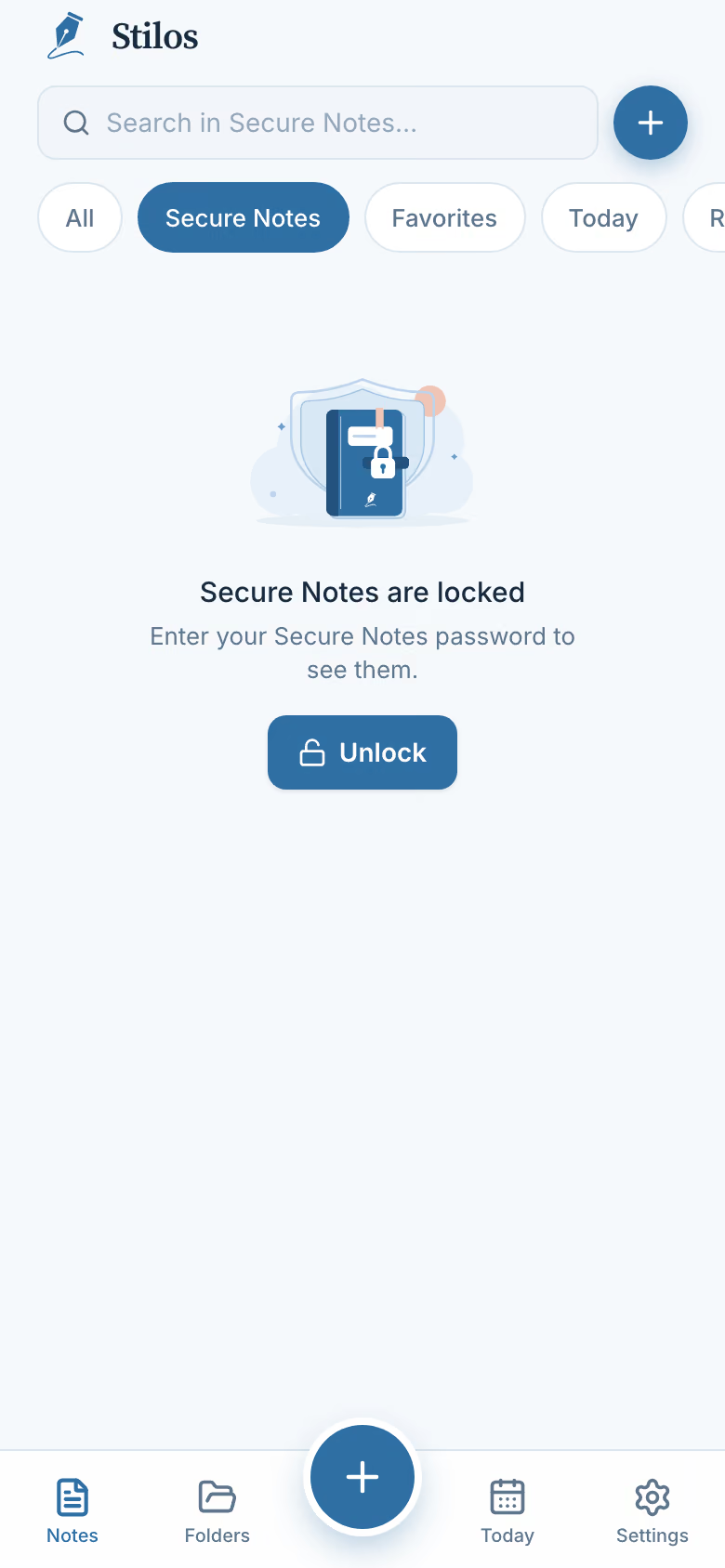
- Put a second lock on what matters most. Move a note into Secure Notes and it sits behind a separate password of its own.
What Secure Notes adds
Secure Notes is for the few notes you would not want seen even by someone holding your unlocked phone. While it is locked, those notes appear nowhere else in the app: not in All Notes, not in a folder, not in Favorites. Their reminders still arrive, but the notification says only "Secured note".
Secure Notes locks again ten minutes after you leave it, unless you choose to keep it unlocked on that device. You can also lock it yourself at any moment.
The trade-off, said plainly
Keeping notes only on your device has a cost, and you should know it before you start. Today there is no copy anywhere else. If your phone is lost or broken and you have not saved a backup, those notes are gone, and we cannot bring them back.
The same is true of passwords. If you forget your password, your recovery key can set a new one. If you lose both, nobody can open the notes, including us. The Secure Notes password has no recovery key at all: forget it, and the secured notes cannot be recovered.
So save a backup now and then. A backup is a single file that stays locked. It opens only with your password or your recovery key, and you can keep it wherever you like. Restoring a backup replaces what is on the device with what is in the file, which is also how you move your notes to a new phone or computer today.
One detail, for accuracy: what you write is locked, but a few labels stay readable to someone who can get into your device, such as folder names and the times of reminders. The privacy page lists them all.
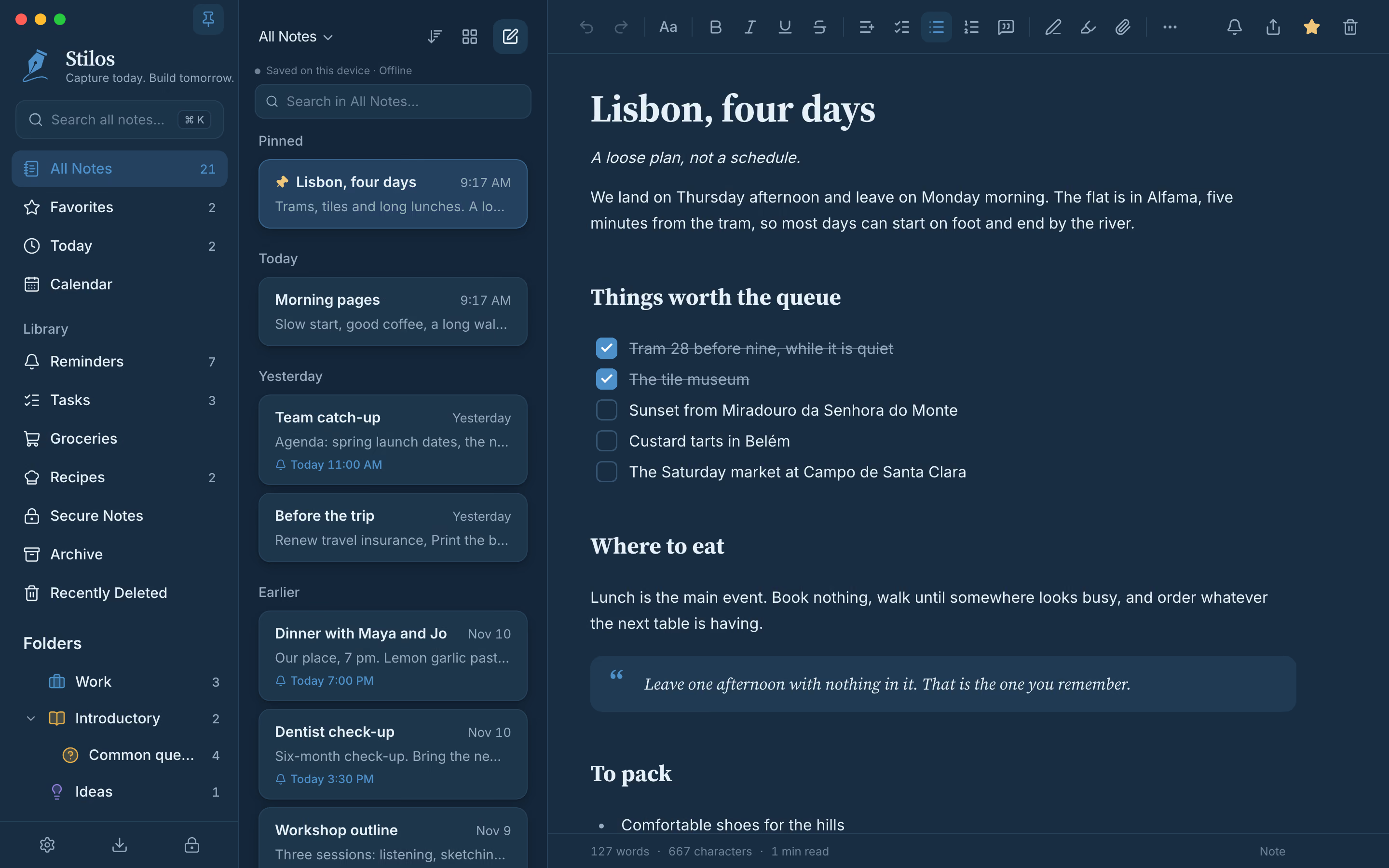
Light, dark and your own colors: it follows the way you like to work.
What about cloud storage and sync?
They are not available yet. Stilos today works on one device at a time, and nothing is uploaded. Cloud storage and sync between devices are being built, and they will be optional. We describe the plan, including what it will change about privacy, on the coming soon page. Until then, a saved backup is the way to keep a second copy.
If you are choosing a notes app because you want your shopping, your plans and your private thoughts to stay yours, the rest of Stilos is built the same way. Sorting a grocery list happens on the device, and so does everything in to-do lists and reminders.
Good to know
Questions about this
Can I use Stilos without creating an account?
Yes. There is no account. Stilos never asks for a name, an email address or a phone number. The first time you open it, you agree to the terms, choose whether to set a password, and start writing.
Does Stilos work offline?
Yes. Your notes and everything the app needs are on the device, so it works with no connection. Nothing you write is sent to us.
Can Stilos read my notes?
No. Today your notes exist only on your own device, and we have no copy of them or of anything that opens them. Cloud storage and sync are planned for later, and the privacy page explains how that will work before it is switched on.
What happens if I forget my password?
Use the recovery key you saved when you set the password. It lets you choose a new one. If you have lost both the password and the recovery key, the notes cannot be opened by anyone, including us.
Do I have to set a password?
No. You can skip it, and Stilos opens straight to your notes. You can set a password later. Secure Notes has its own separate password either way.
More in Stilos
The rest of the app
Grocery lists sorted by aisle
Type or paste a list in any order. One press groups it by store aisle, on your device.
How Organize works →To-do lists and reminders
Tick things off, set a reminder on any note, and see every unfinished task in one view.
How tasks and reminders work →Recipes that write your list
Keep ingredients, steps and photos together, then turn the ingredients into a grocery list.
How recipes work →A calendar for your notes
See reminders and the notes you worked on, by week or by month.
How the calendar works →Free today
Keep your notes to yourself
Stilos is free and asks for no account. Have a question about privacy that this page did not answer? Write to us and a person will reply.